

What is your PC talking to?
Your game stutters. A download crawls. An app you barely use is busy online. See what is happening on your connection, find the likely cause, and choose which apps can use it. For your Windows PC.
Network activity
- Download
- Upload
- Lag spike
Live
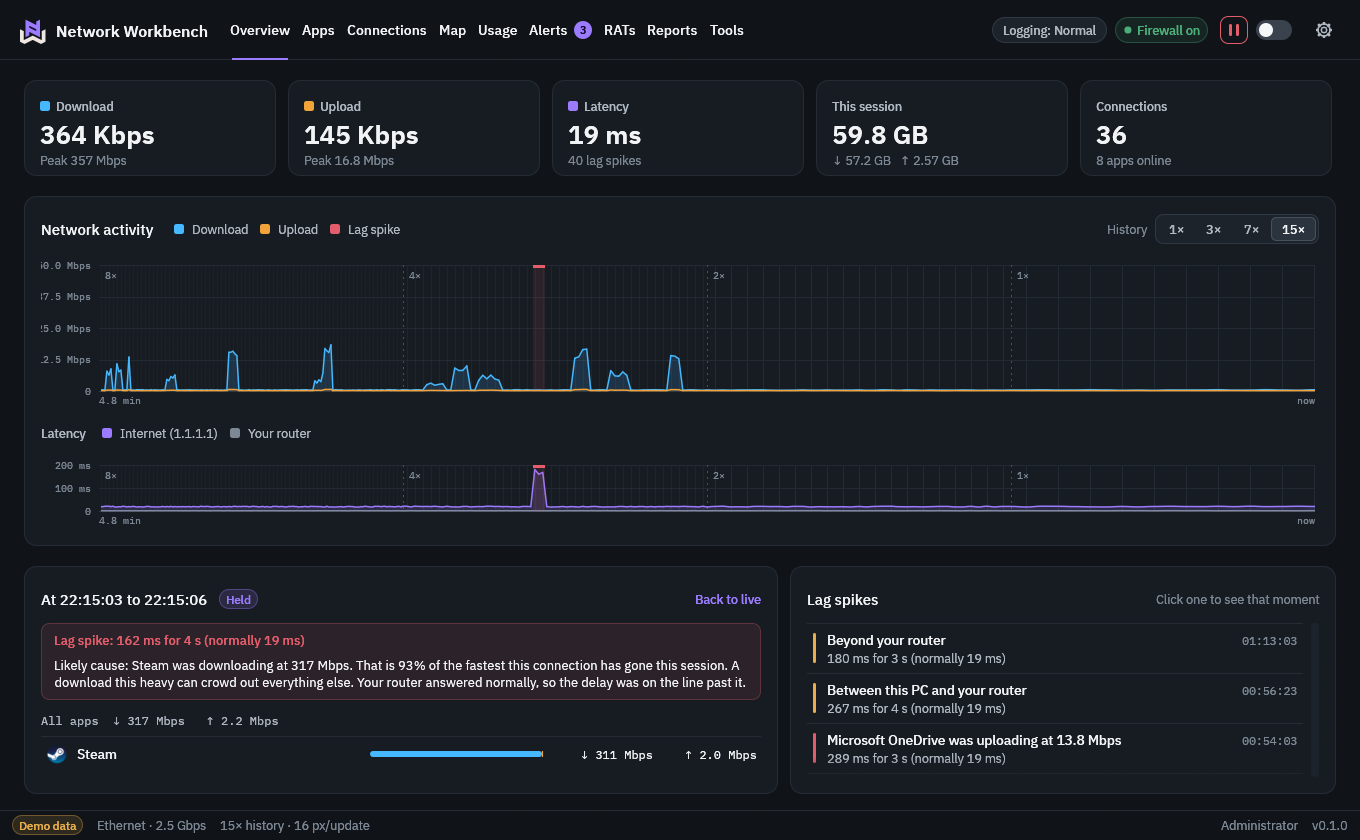
Catch what you just missed. Your latest traffic stays detailed while older activity takes up less room. You can look back a few minutes without losing sight of what is happening now.
That spike is still there. Brief bursts stay visible as the chart compresses. You can come back to the moment your connection slowed down and investigate.
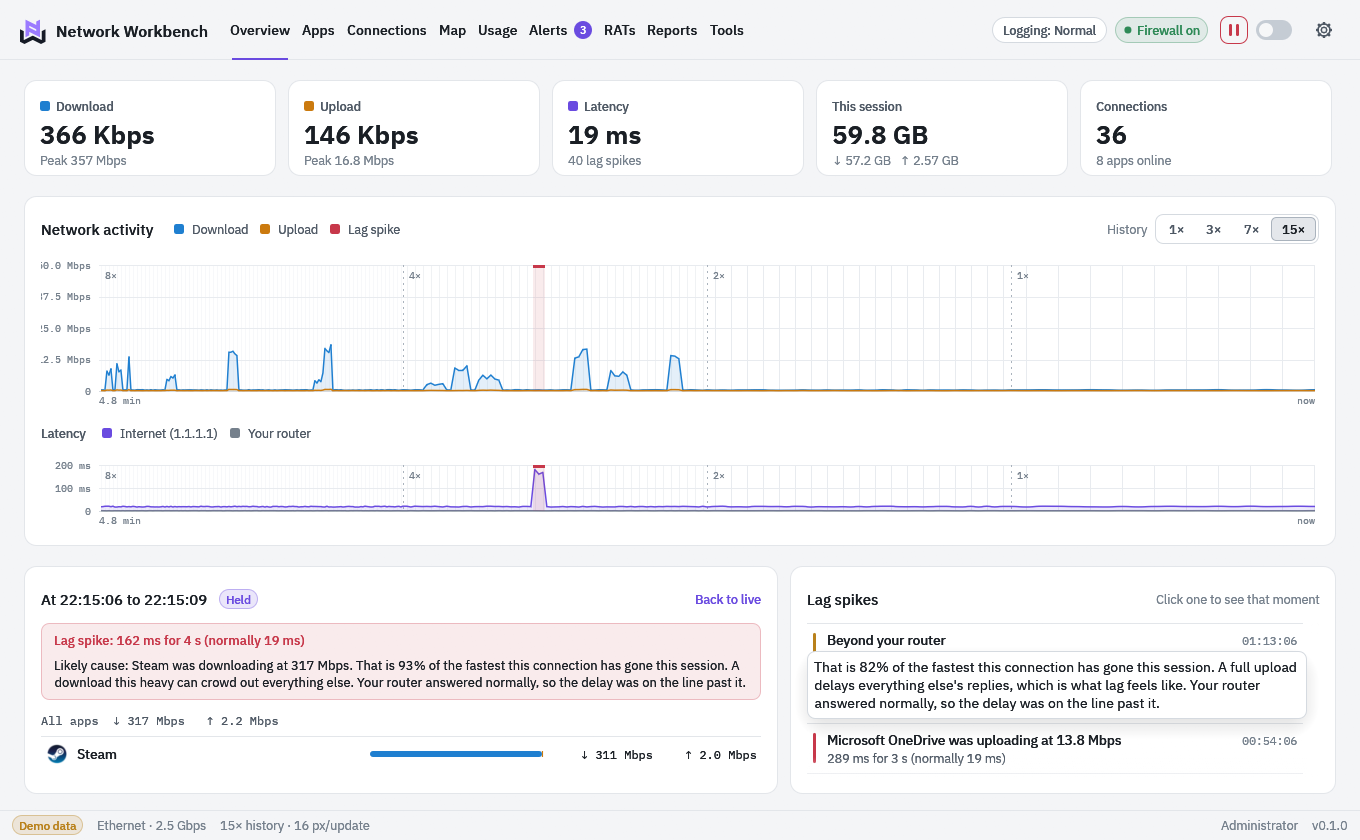
See which app was busy. Hover over the chart, or use the arrow keys, to explore a moment. Try it here with sample traffic; your own traffic stays on your PC.
Find out why your game lagged.
Was Steam downloading in the background? Was the delay between your PC and router, or further out? Network Workbench checks your connection every second and marks lag spikes on your traffic chart. If one of your apps was using a lot of bandwidth at the time, you can see its name and how much it was using.
- Steam was downloading at 317 Mbps162 ms for 4 s, normally 19 ms
- Between your PC and your router267 ms for 4 s, normally 19 ms
- Beyond your router180 ms for 3 s, normally 19 ms
Red points to traffic on your PC; amber points to your network. These are likely causes based on timing, so you have a useful place to start.
Where are your apps connecting?
See the countries your PC is connected to right now. Spot somewhere you did not expect? Zoom in and click a country to see which apps are connecting there. Country lookups happen inside the app, without sending your connection list to an outside service.
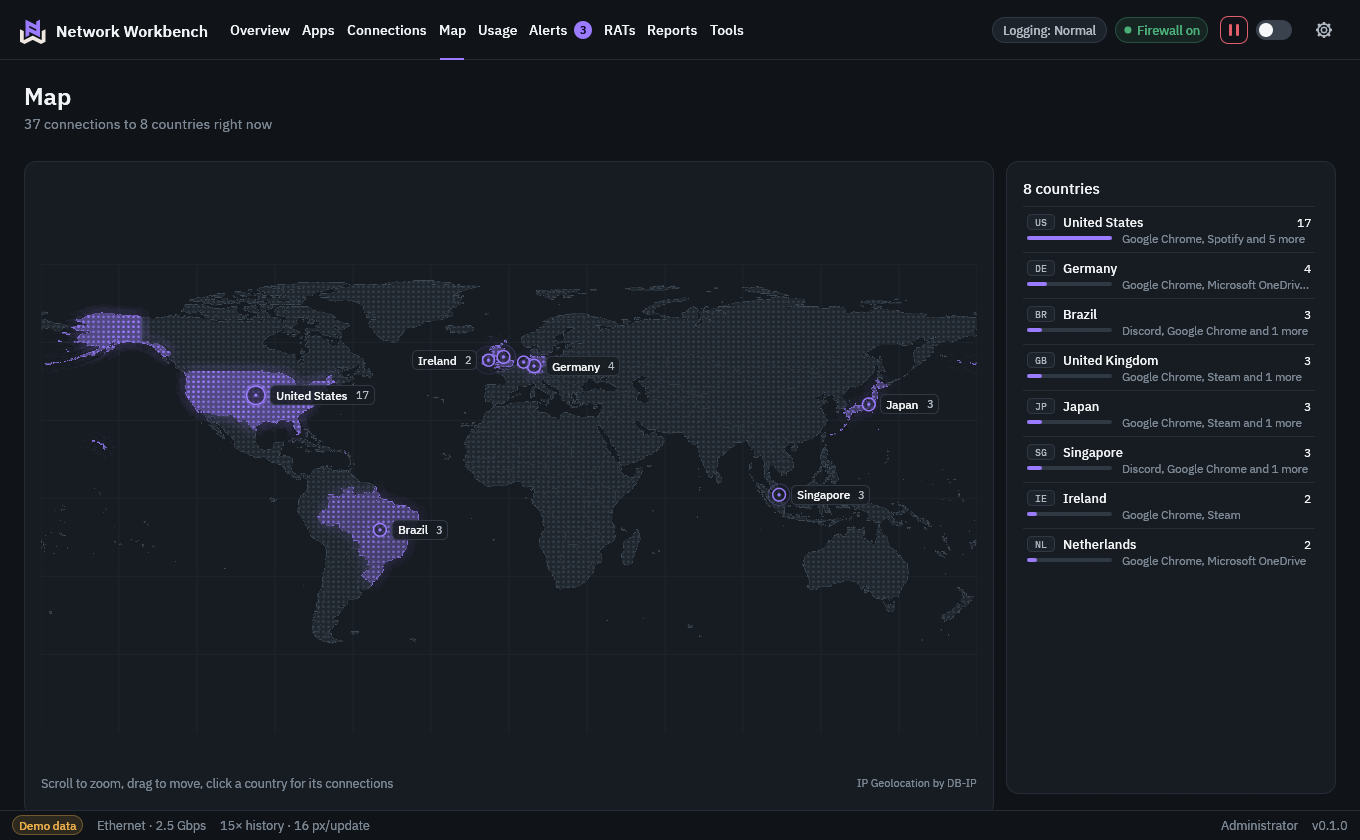
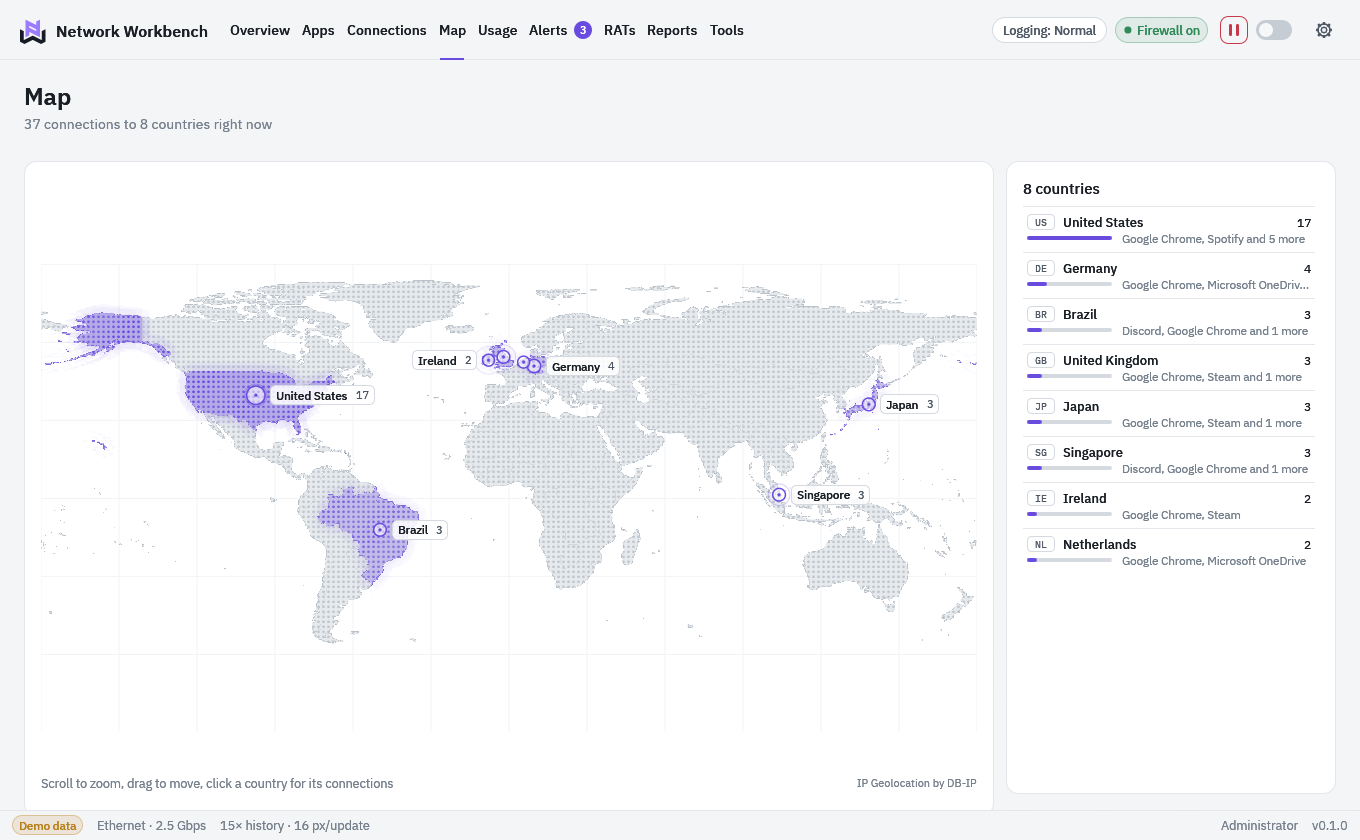
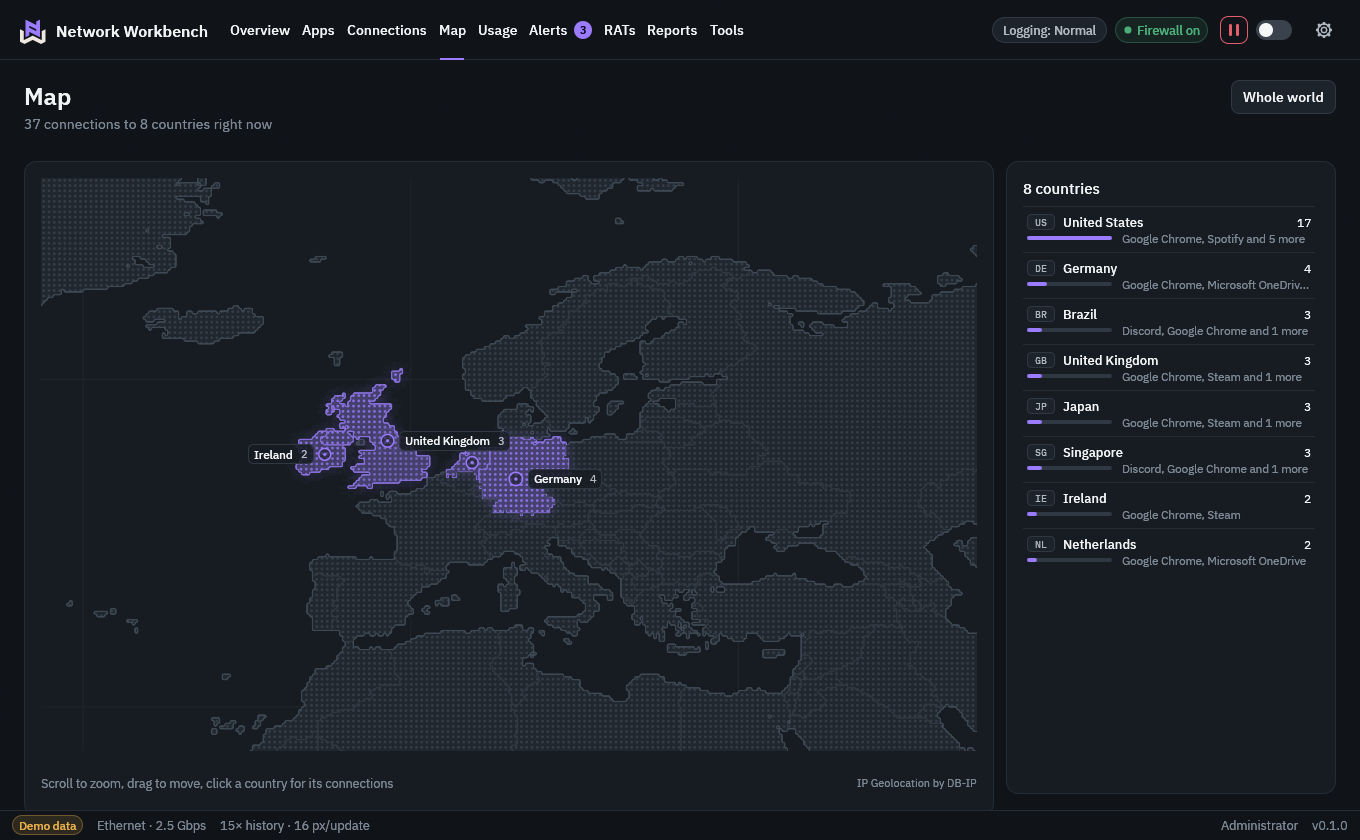
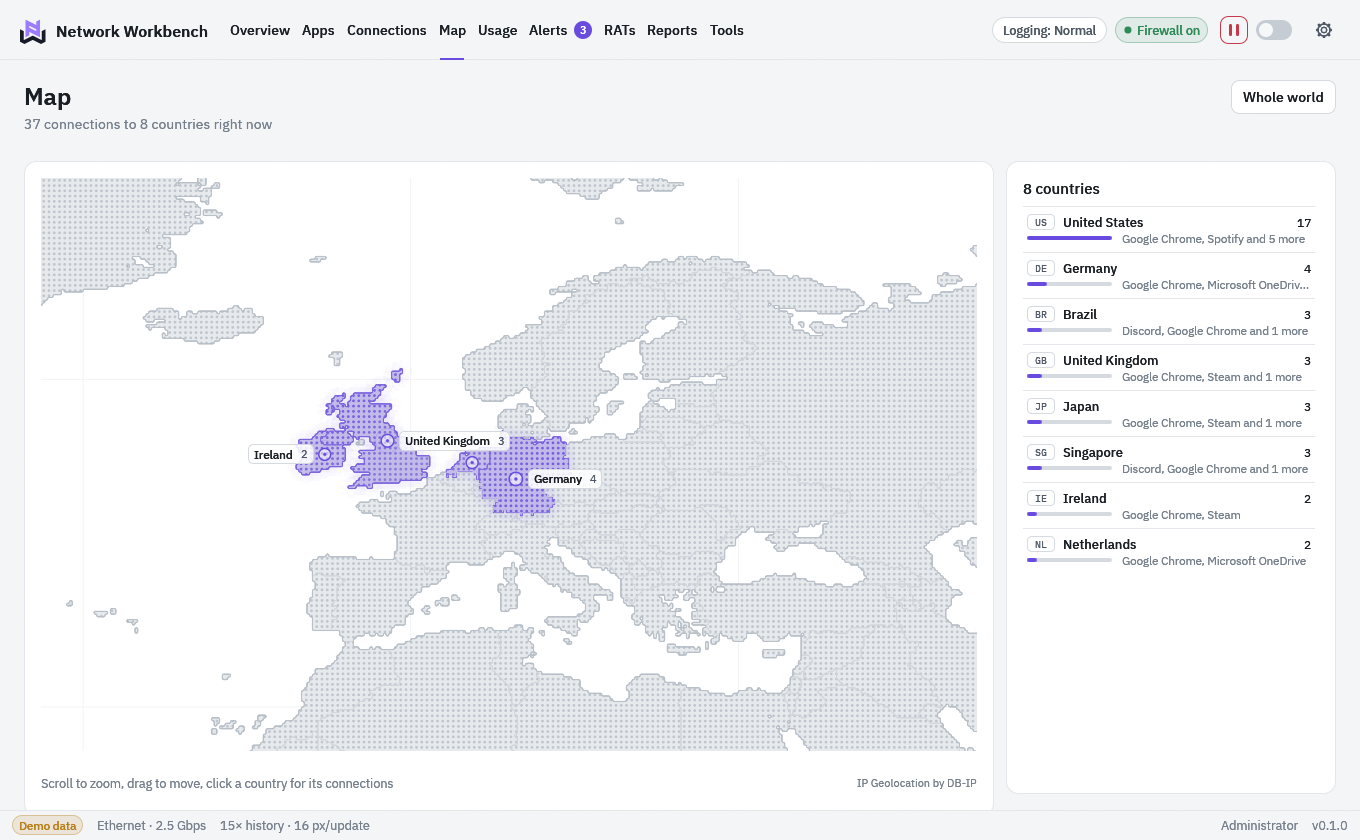
A country is where an address is registered, which is approximate. It does not say who owns a server or whether it is safe. IP geolocation by DB-IP.
Is remote access software running on your PC?
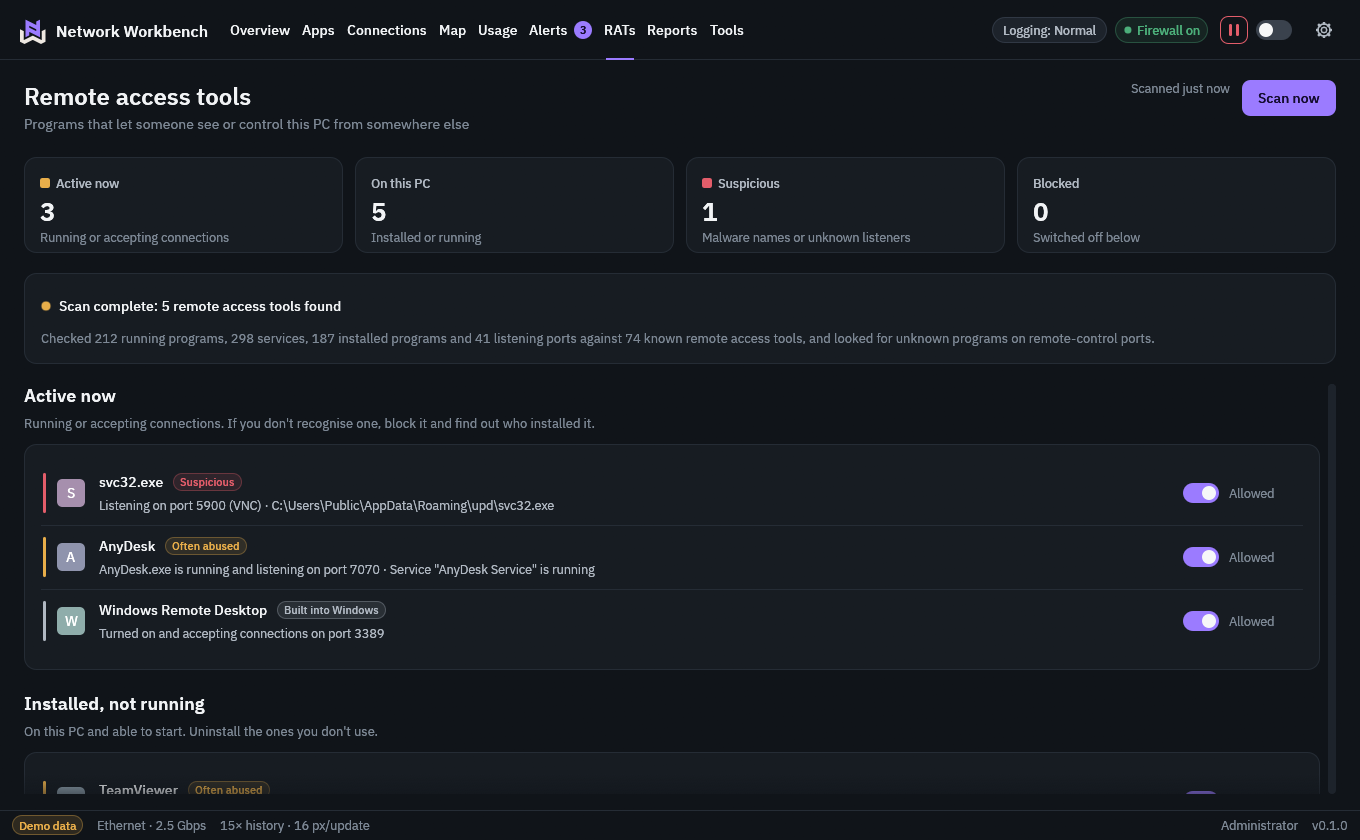
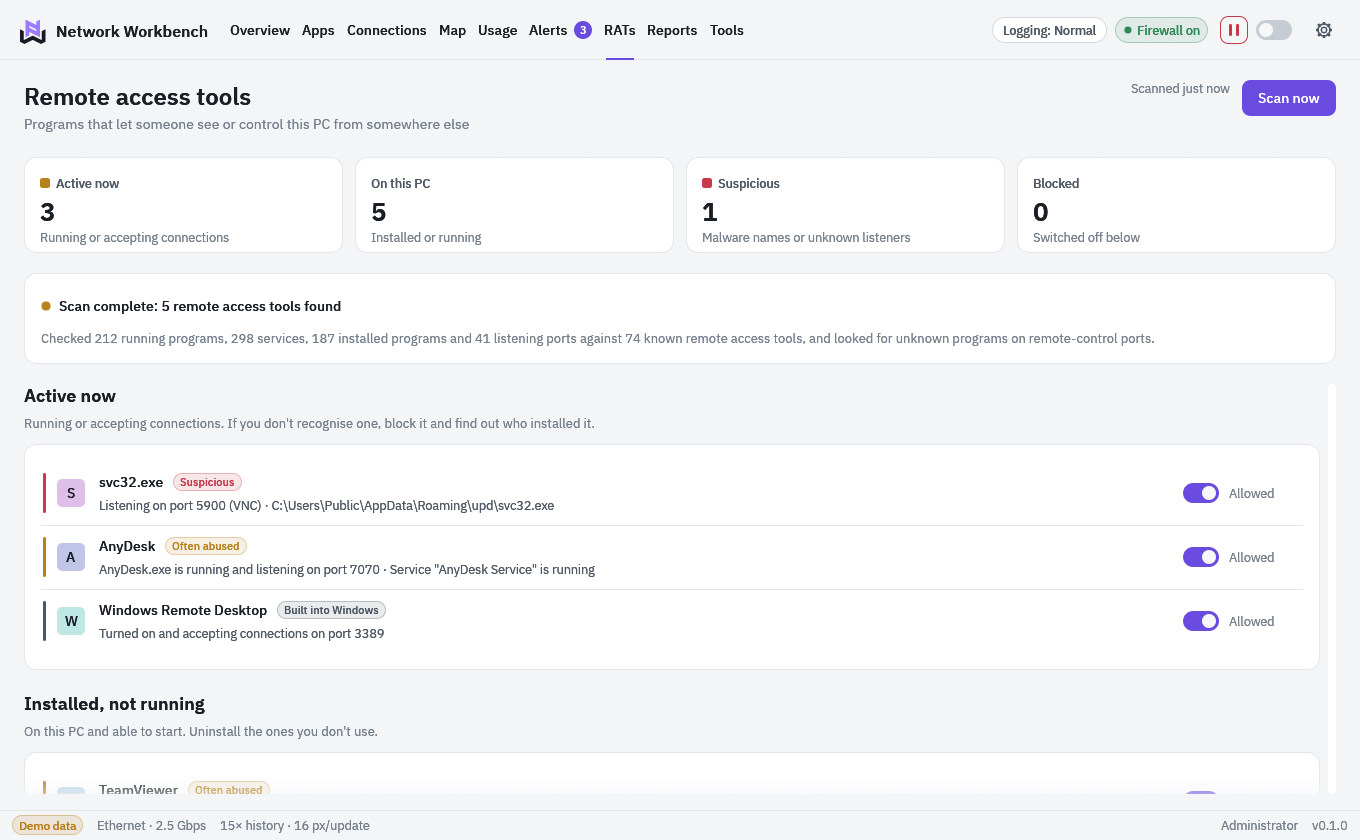
You might use it for work or to help family. You might also find something you never meant to install. Check your PC for about 75 known remote access tools, see which are active or installed, and block any you do not want connecting.
- Built into Windows
- Remote Desktop, Remote Assistance, Quick Assist, Windows Remote Management, OpenSSH Server
- Remote access products
- Chrome Remote Desktop, Splashtop, LogMeIn, Parsec, VNC servers and more
- Often abused
- Legitimate tools that scammers favour, such as AnyDesk, TeamViewer and ScreenConnect, and tunnels such as ngrok
- Suspicious
- Known malware by its usual names, and any unknown program listening on a remote-control port
This scan helps you check for remote access software. Hidden or renamed malware can escape detection, so keep your antivirus on too.
You choose what gets online.
See an app you do not want using your connection? Switch it off to block its incoming and outgoing traffic. Your choice stays in place after you close Network Workbench or restart your PC. Windows Firewall stays on too.
Need to disconnect everything for a moment? Pause all traffic, then resume when you are ready. The pause also lifts if Network Workbench exits.
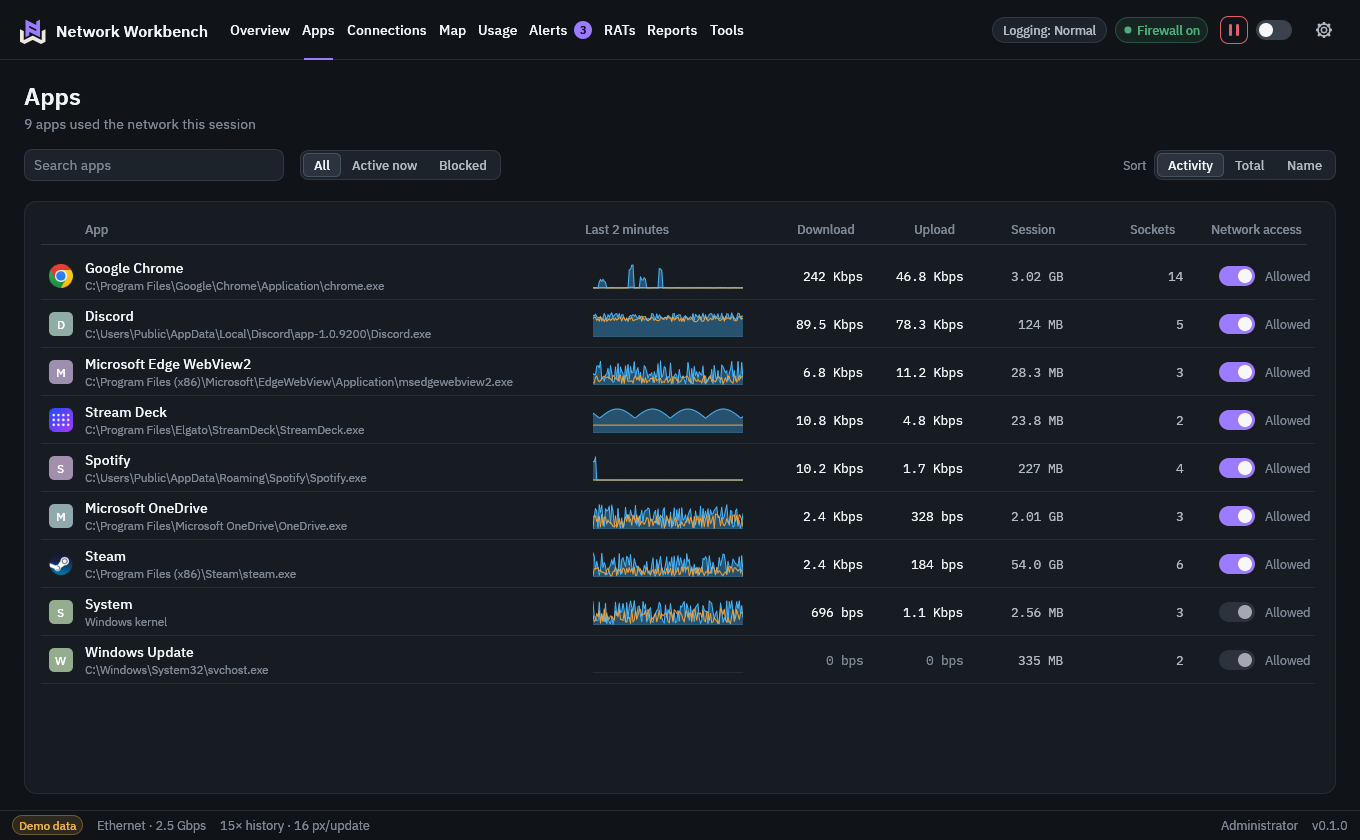
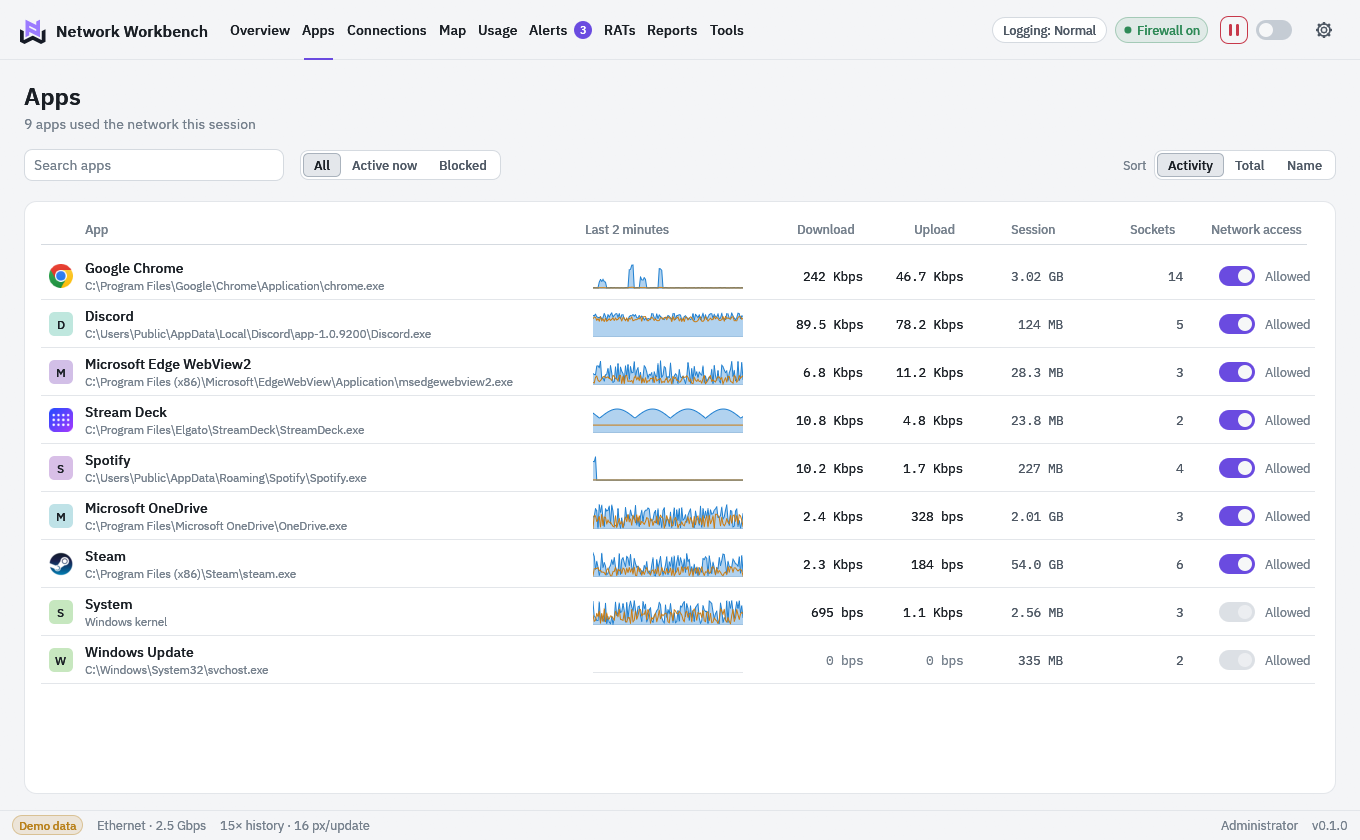
Less time checking. More time getting on with things.
- Your game, reviewed
- Check how your connection held up after you finish playing. See your latency, data use and lag spikes together in your session report.
- Quiet while you play
- Keep your attention on your game. Logging can drop to Minimal automatically, and Windows holds notifications until you are done.
- Ask to Connect
- Decide whether a new app gets online. Allow it once and Network Workbench remembers your choice.
- Your week at a glance
- Catch up on which apps used your data, what changed on your network and how your games ran.
- A heads-up when things change
- Know when an app first gets online, your network settings change or you are getting close to your data allowance.
- Check your connection
- Run a speed test, find your public IP address or ping a server without opening another tool.
We are still getting it ready for you.
Network Workbench is in development and is not available to download yet. The screenshots show the working build with sample traffic. There is no confirmed price or release date.